Mecamix’Auto
Organising a garage’s vehicle catalogue.
I designed and built the site for French garage Mecamix’Auto on my own, from the Next.js interface to the Payload admin panel.
- My role
- Solo design and front-end and back-end development
- Context
- Project for a French garage
- Technologies
- Next.js, Payload CMS, PostgreSQL and SCSS · 2026
One field in Payload, three states in the catalogue.
The garage sets the vehicle’s sale status in Payload. The catalogue reads the same field to decide whether to display the listing and which badge to show.

- Available
- The listing appears in the sales catalogue.
- Reserved
- The listing stays visible and shows a Reserved badge.
- Sold
- The listing is removed from the sales catalogue.
Starting with the catalogue data.
I set up separate collections for sales and rentals in Payload because each involves different decisions. I added budget and fuel type filters for sales, and focused on category and rates for rentals.
You can scroll the table horizontally.
| Structured data | Sales | Rentals |
|---|---|---|
| Identify and present the vehicle | Name, identifier, description and photos | Name, identifier, description and photos |
| Describe the vehicle | Year, mileage, fuel type and transmission | Category and specifications |
| Set the terms | Sale price and status | Rental rate and booking link |
| Browse the catalogue | Filter by type, fuel, transmission or budget. Sort by price or name. | Filter by category. Sort by price or name. |
From the catalogue to the vehicle page.
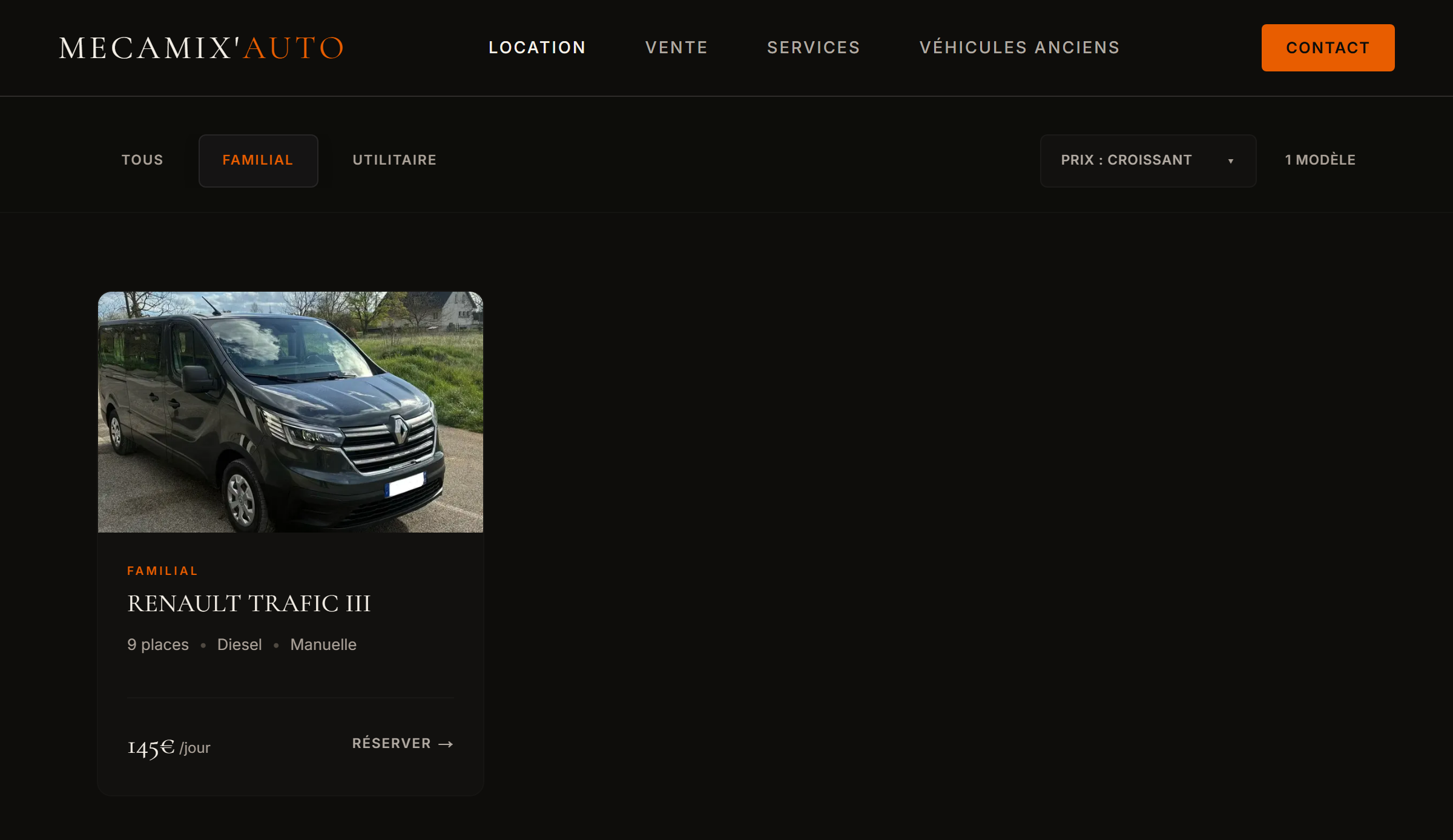
The rental catalogue shows categories with vehicles in them. Filtering updates the list and keeps the selected sort order.
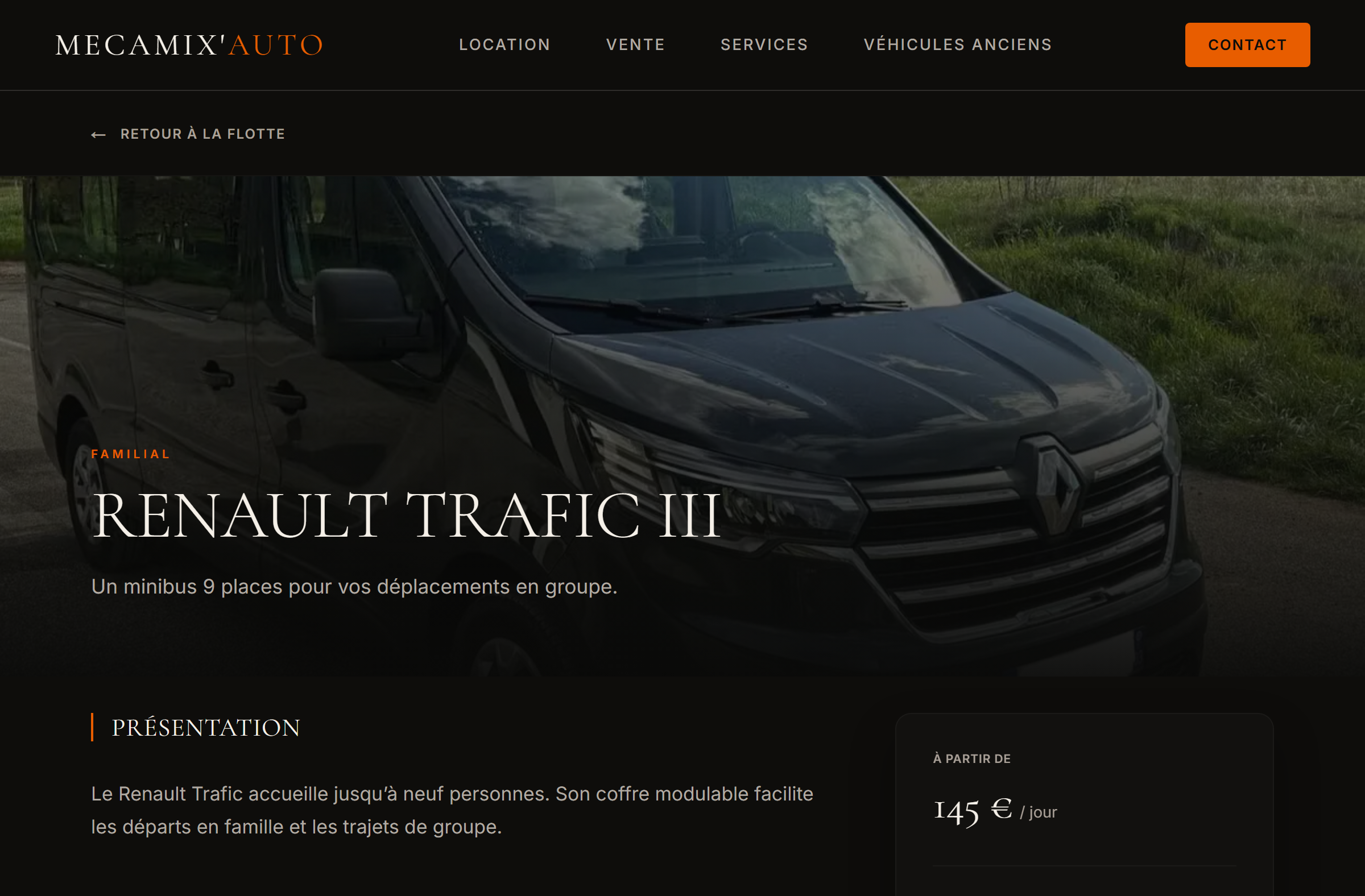
The vehicle page carries over the rate from the catalogue card and gives more room to the gallery and specifications. Both views read the same data from Payload.
Giving each part of the business a place on the site.
I gave rentals and sales separate entry points on the homepage. Each leads to a catalogue with its own filters. Garage services and classic cars have their own sections.
From the contact form to the garage inbox.
I connected the public contact form to an inbox in Payload. Each enquiry brings together the message, vehicle details and any attached photos.

- Unread
- New enquiries appear with their subject and date.
- Read
- Opening the enquiry marks it as read.
- Replied
- The status changes when the Gmail compose window opens, with the recipient and subject already filled in.

Where the project stands
I designed the public experience and built the admin panel in Payload. The catalogue and admin screenshots use demo data.